
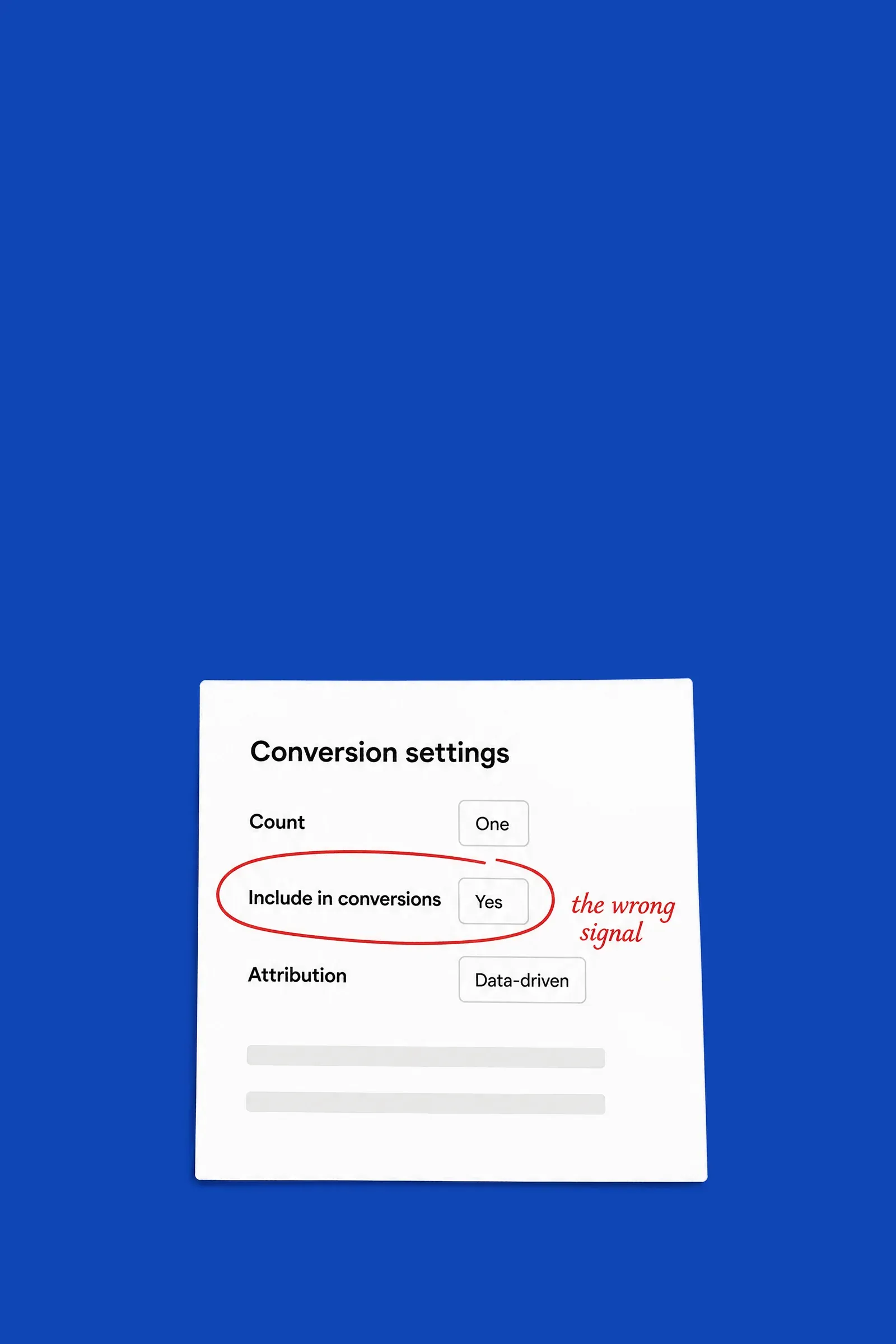
20 settings that steer bidding.
What Google Ads bids on, where conversions come from, how they're counted, what each one is worth, lead quality and housekeeping, each with what good looks like for a shop and for a lead-gen business.
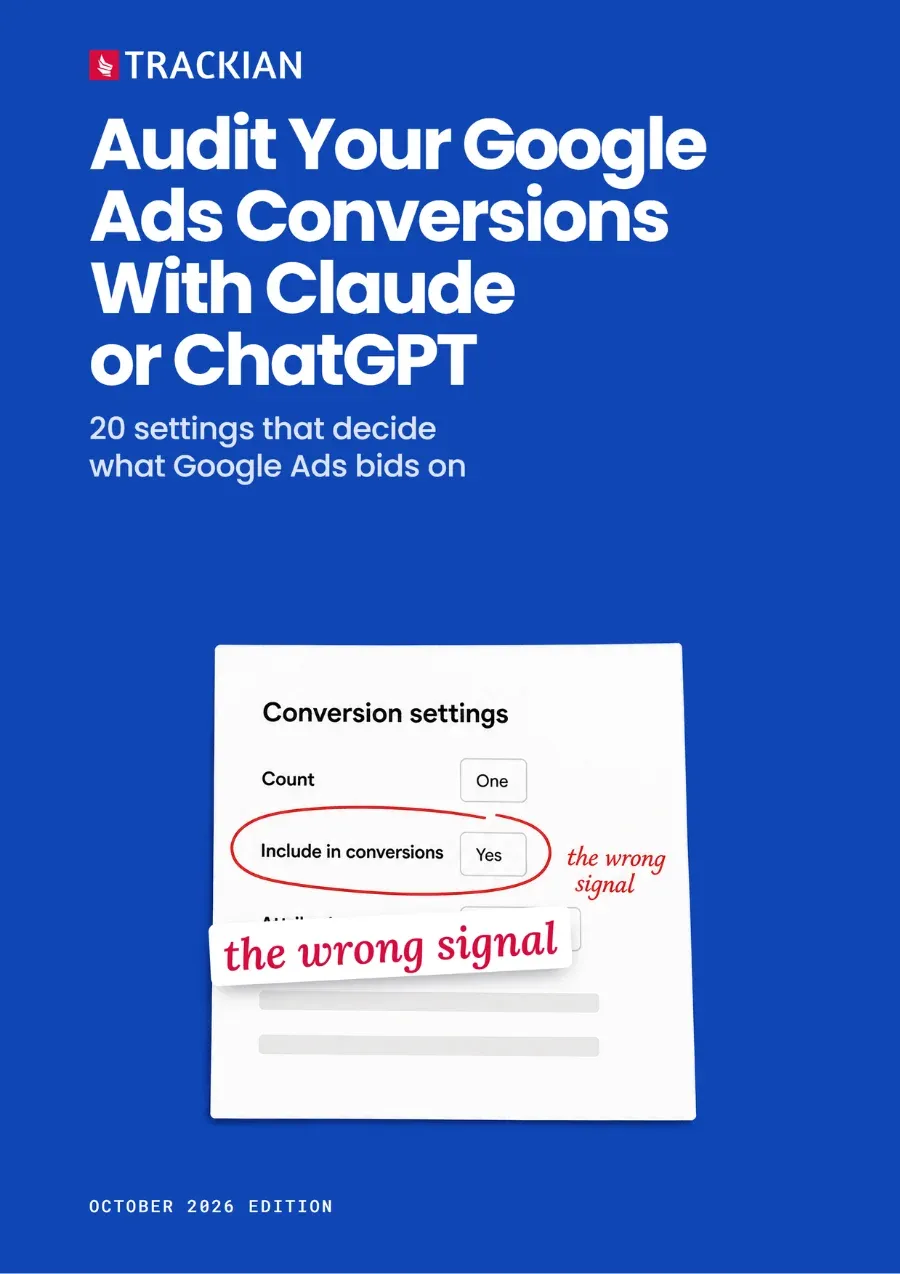
20 settings that decide what Google Ads bids on
20 settings that decide what Google Ads bids on
Template and prompts to check the 20 Google Ads conversion settings that decide what Google Ads bids on, with Claude or ChatGPT.
Template and prompts to check the 20 Google Ads conversion settings that decide what Google Ads bids on, with Claude or ChatGPT.
Template and prompts to check the 20 Google Ads conversion settings that decide what Google Ads bids on, with Claude or ChatGPT.
What Google Ads bids on, where conversions come from, how they're counted, what each one is worth, lead quality and housekeeping, each with what good looks like for a shop and for a lead-gen business.
Paste-ready prompts for Claude or ChatGPT, each with a trust label - SAFE, VERIFY or WON'T WORK WITHOUT JOINED DATA - that tells you when to check before you act.
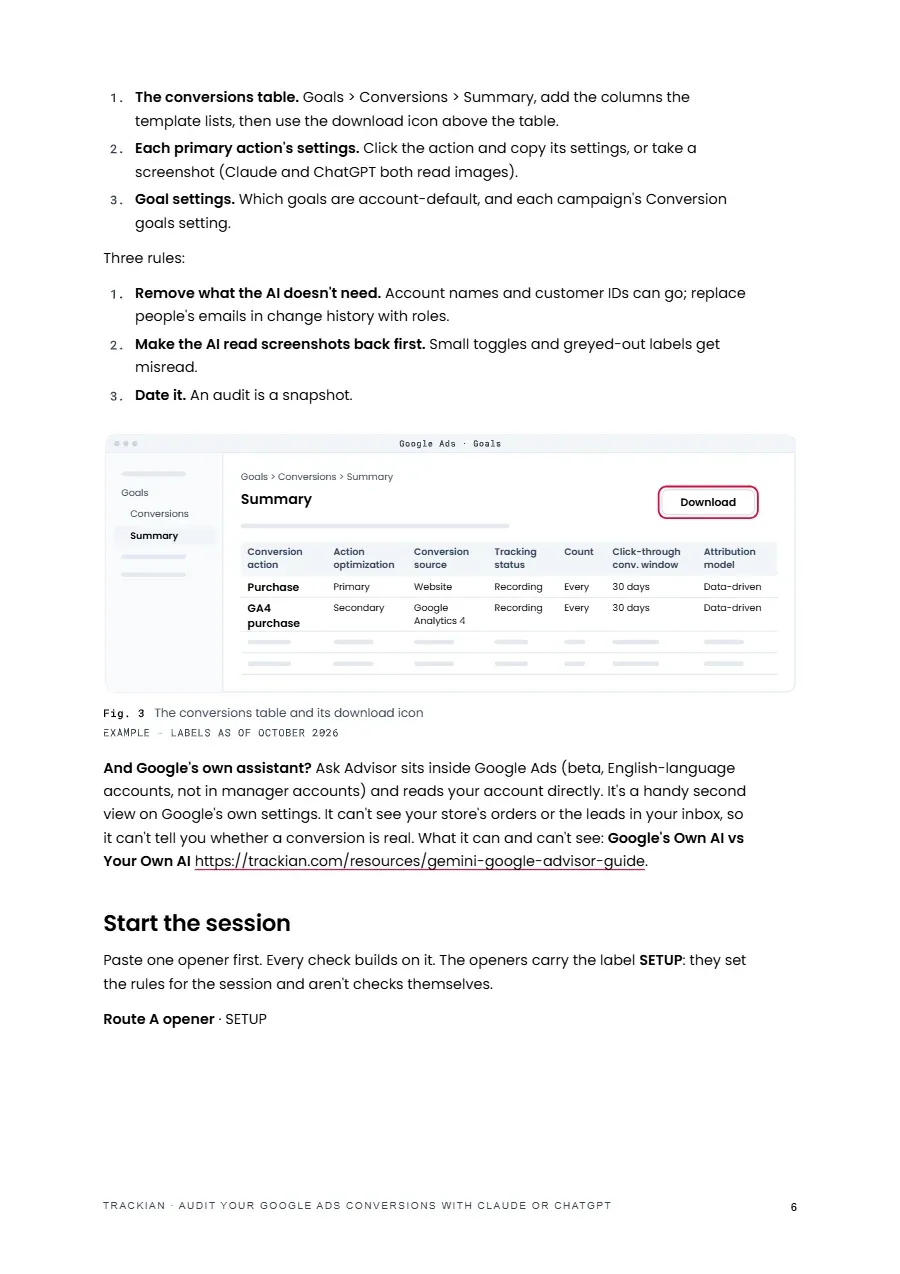
Google's own Google Ads MCP server, which Google describes as strictly read-only, reads 12 of the 20 settings. Or download the conversions table, fill in the template and use any AI assistant.
What no connection reads - tracking status, consent mode, new customer acquisition, recent changes and the orders or leads you actually received - collected in one place, also on this page.
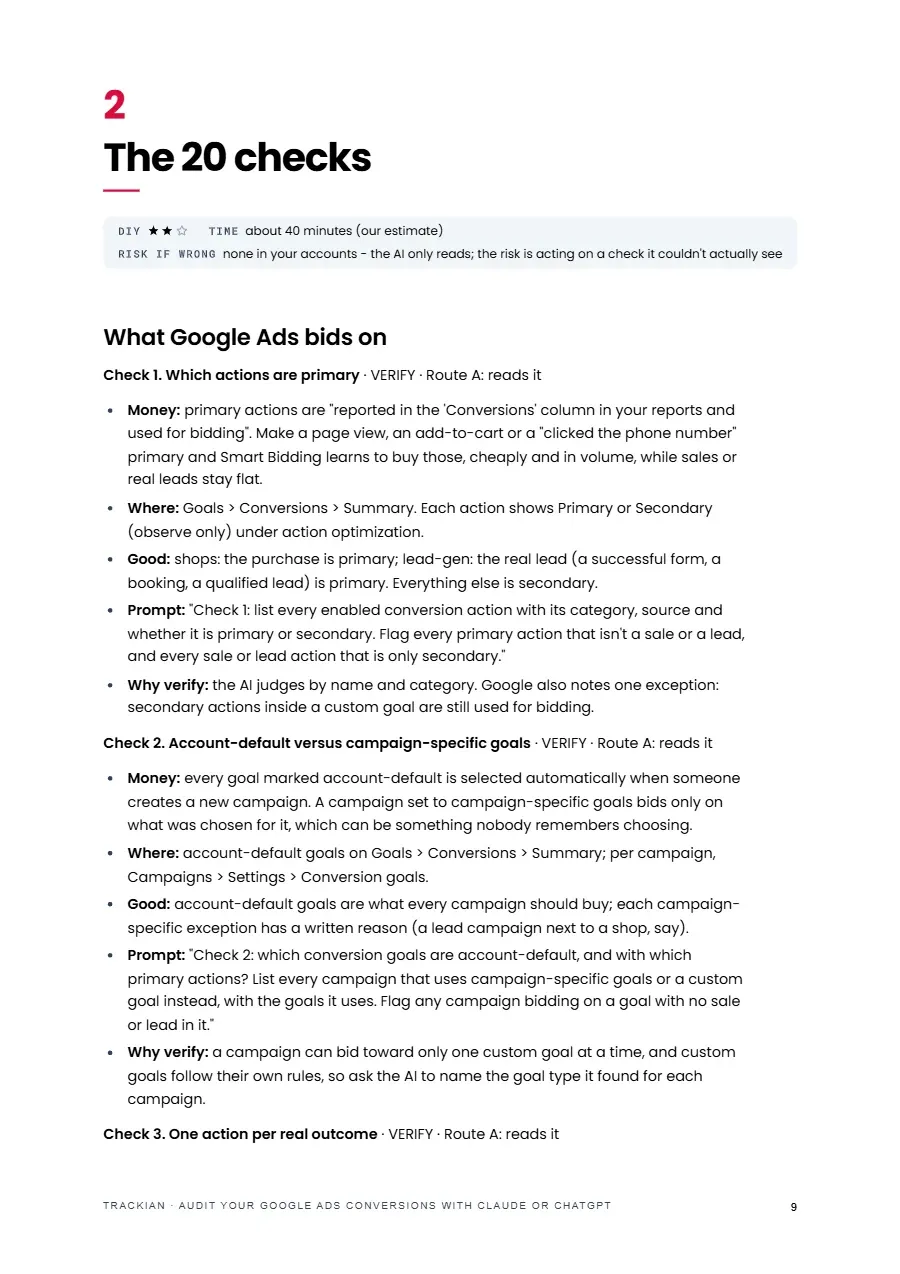
Which actions are primary, whether the Google tag and a GA4 import count the same sale or lead, and whether every lead is counted more than once.
A summary prompt marks each setting OK, Fix or Can't tell, in fix order, then a one-week comparison of what Google Ads reports with your real orders or leads.
that audits your conversion settings - what Google Ads counts and bids on - from a connection, your filled-in template or screenshots, and marks each setting OK, Fix or Can't tell.

PDF · About 30 min read
Honest note
Right settings can still carry the wrong signal. A purchase tag that fires twice, a form that counts failed submissions, or junk leads counted as real all pass a settings check, which is why the guide ends with a week of comparing Google Ads with your own orders or leads. The read-only connection doesn't cover tracking status, consent mode, new customer acquisition or recent changes, so those come from the template. The audit is a snapshot of one day, and pasting settings into an AI assistant shares business data: check your plan's data settings first.
Shortlisted · 2025

Featured in

Trusted by









Free download