
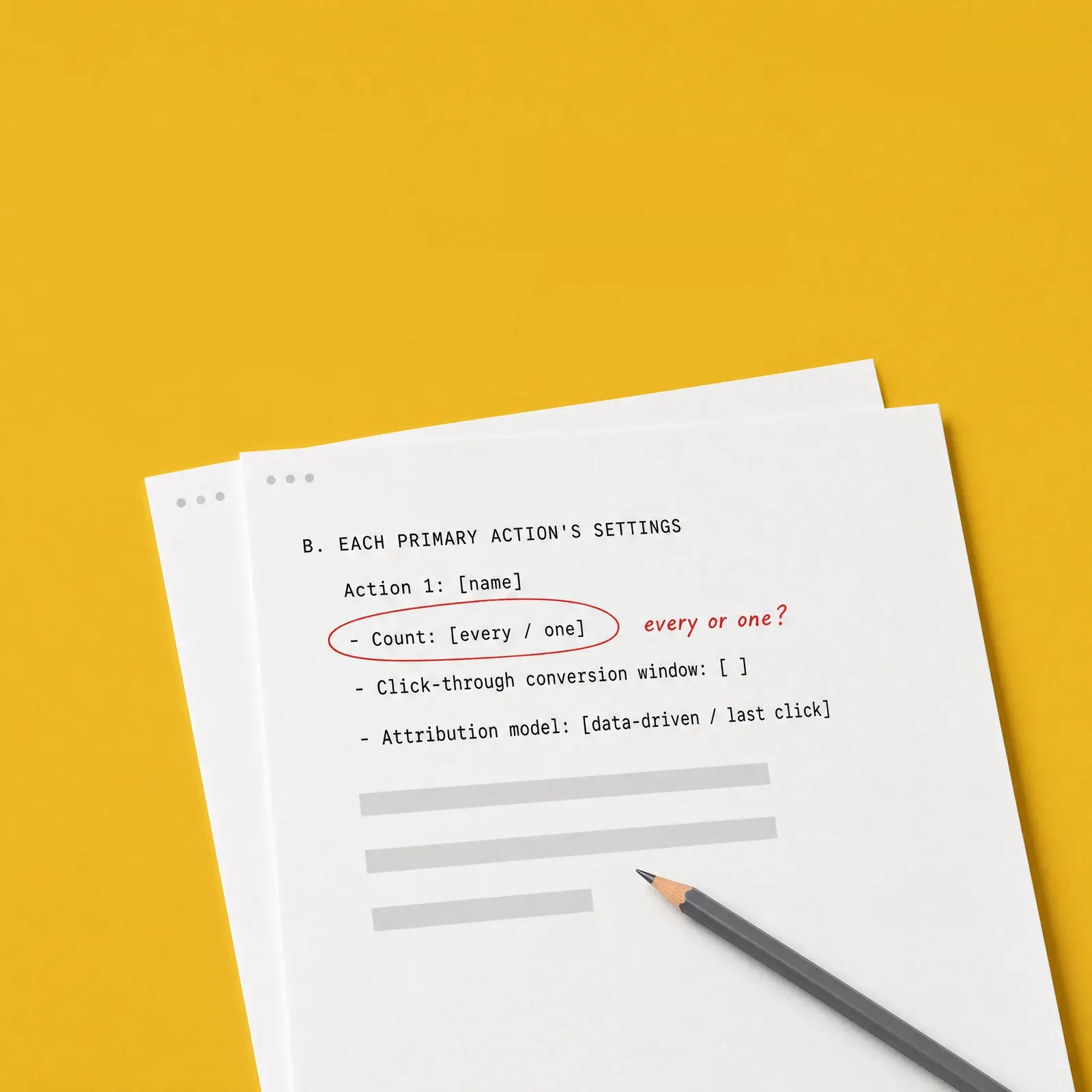
One download, not retyping.
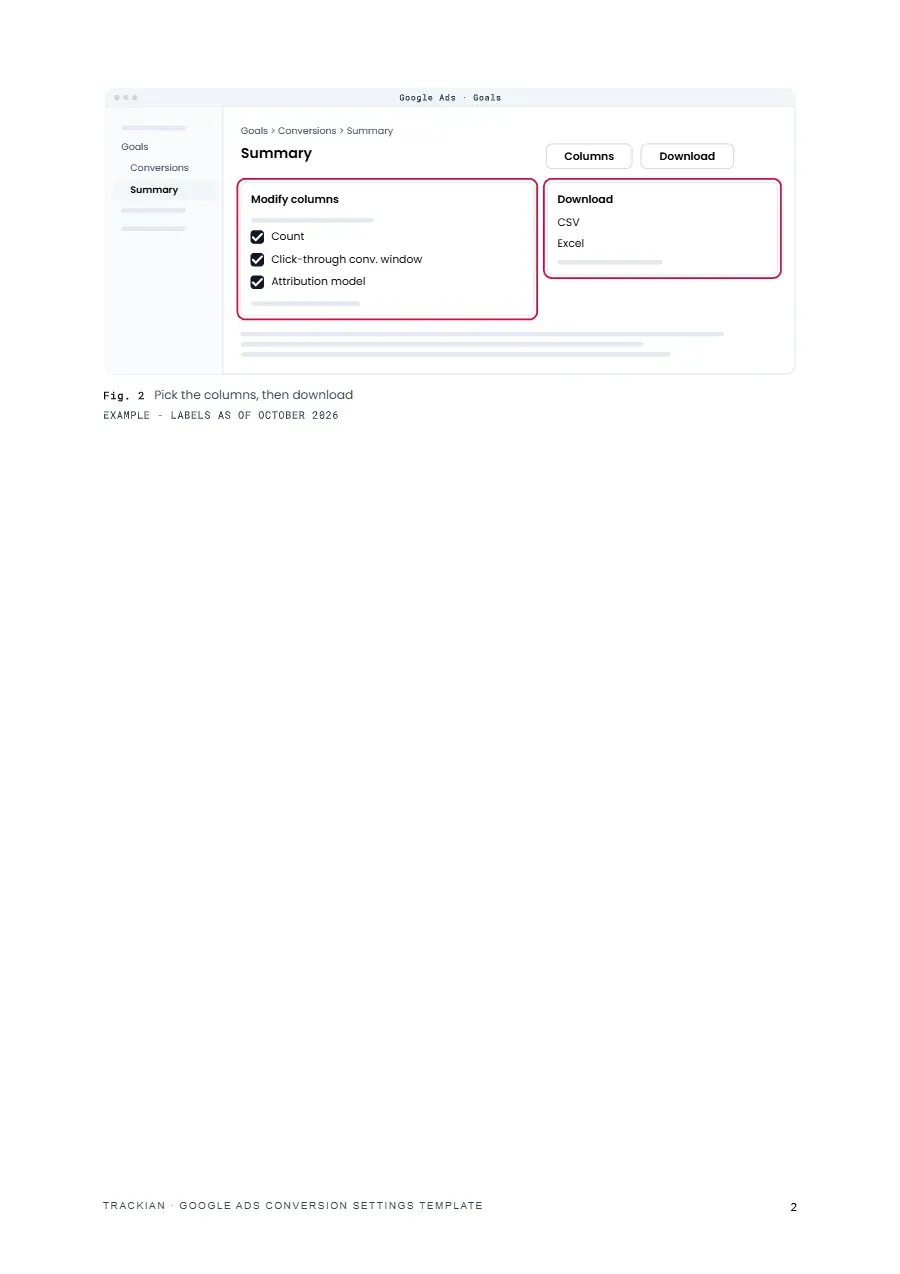
Step 1 shows which conversions table to download, for which dates and with which columns, so section A is a single CSV or Excel file.
For the audit with Claude or ChatGPT
For the audit with Claude or ChatGPT
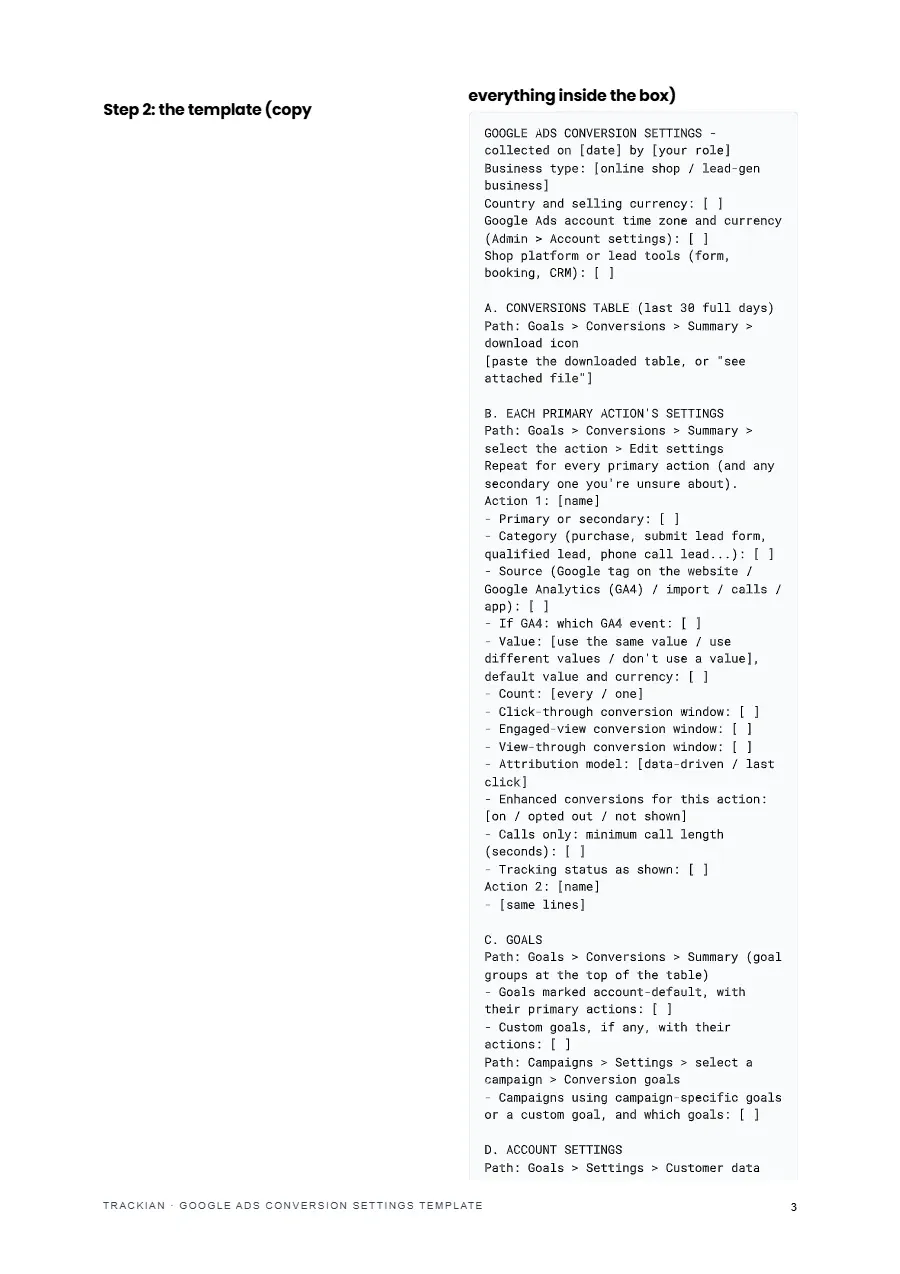
Fill-in template for your Google Ads conversion settings, ready to paste into Claude or ChatGPT for the audit.
Fill-in template for your Google Ads conversion settings, ready to paste into Claude or ChatGPT for the audit.
Fill-in template for your Google Ads conversion settings, ready to paste into Claude or ChatGPT for the audit.
Step 1 shows which conversions table to download, for which dates and with which columns, so section A is a single CSV or Excel file.
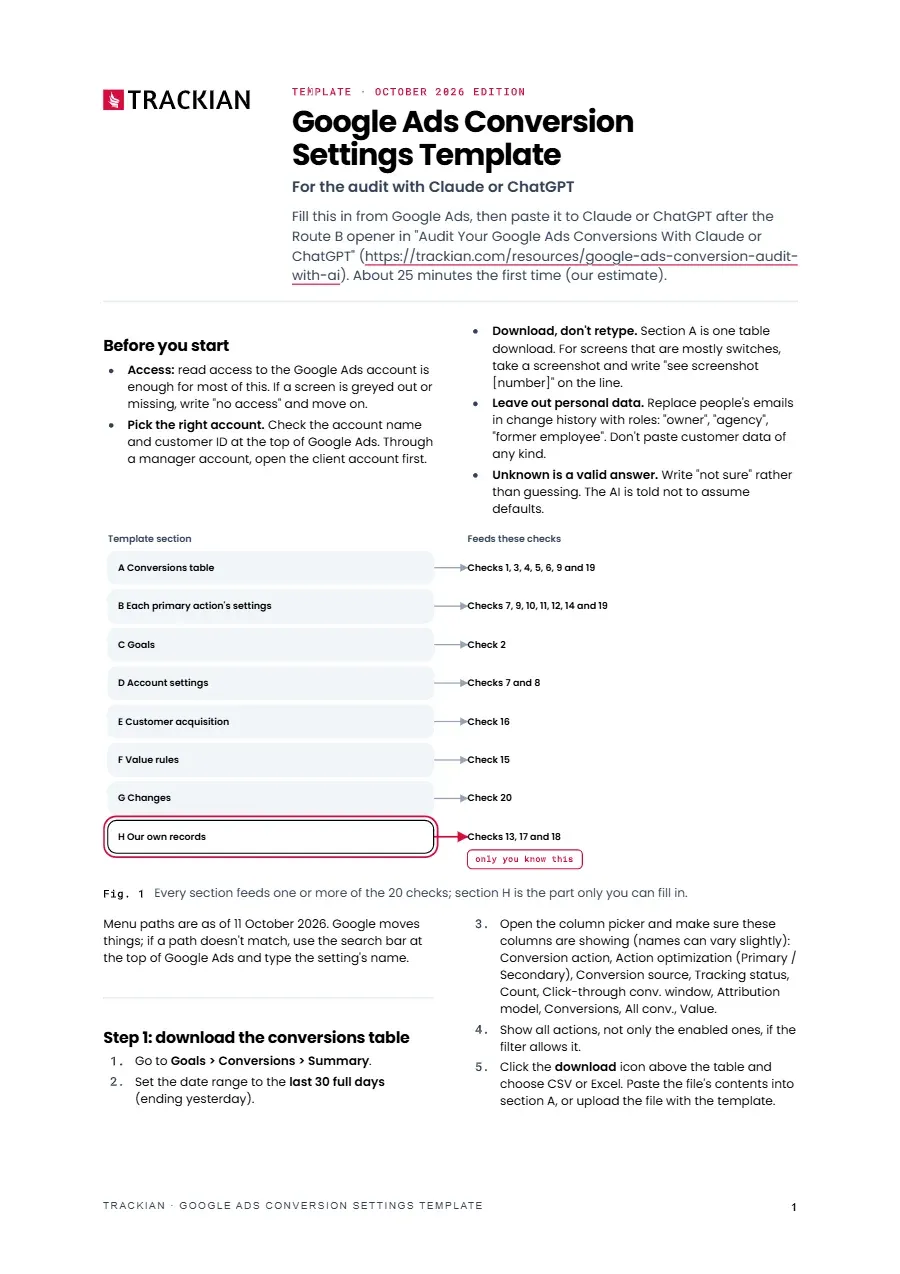
Primary actions, goals, account settings, customer acquisition, value rules and recent changes, each feeding one or more of the guide's 20 checks.
Section H collects the orders or leads you actually received, how many leads were spam, and how long customers take to buy or get in touch - the part no connection can read.
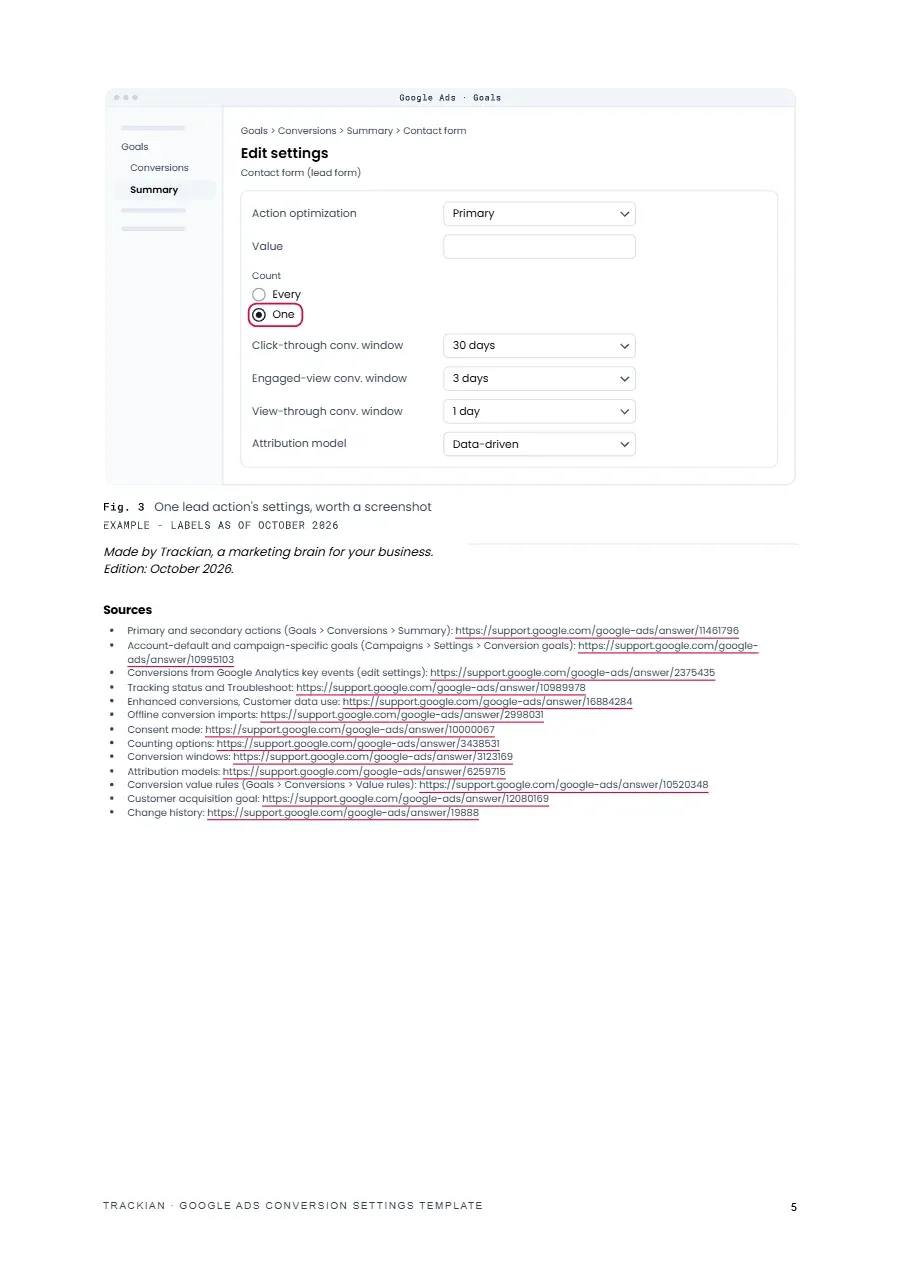
Six screens that are quicker to capture than copy, what to remove from each before you upload, and a prompt that makes the AI read them back before it judges.
that audits your conversion settings - what Google Ads counts and bids on - from your filled-in template, a connection or screenshots, and marks each setting OK, Fix or Can't tell.

PDF · About 20 minutes to fill in
Honest note
The template collects your settings, and the judging happens in the audit guide. "No access" and "not sure" are valid answers, and the AI is told not to assume defaults, so some settings may come back as Can't tell. Leave out personal data: replace people's emails in the change history with roles and don't paste customer data of any kind. Menu paths are as of 11 October 2026; if a path doesn't match, use the search bar in Google Ads and type the setting's name.
Shortlisted · 2025

Featured in

Trusted by









Free download