
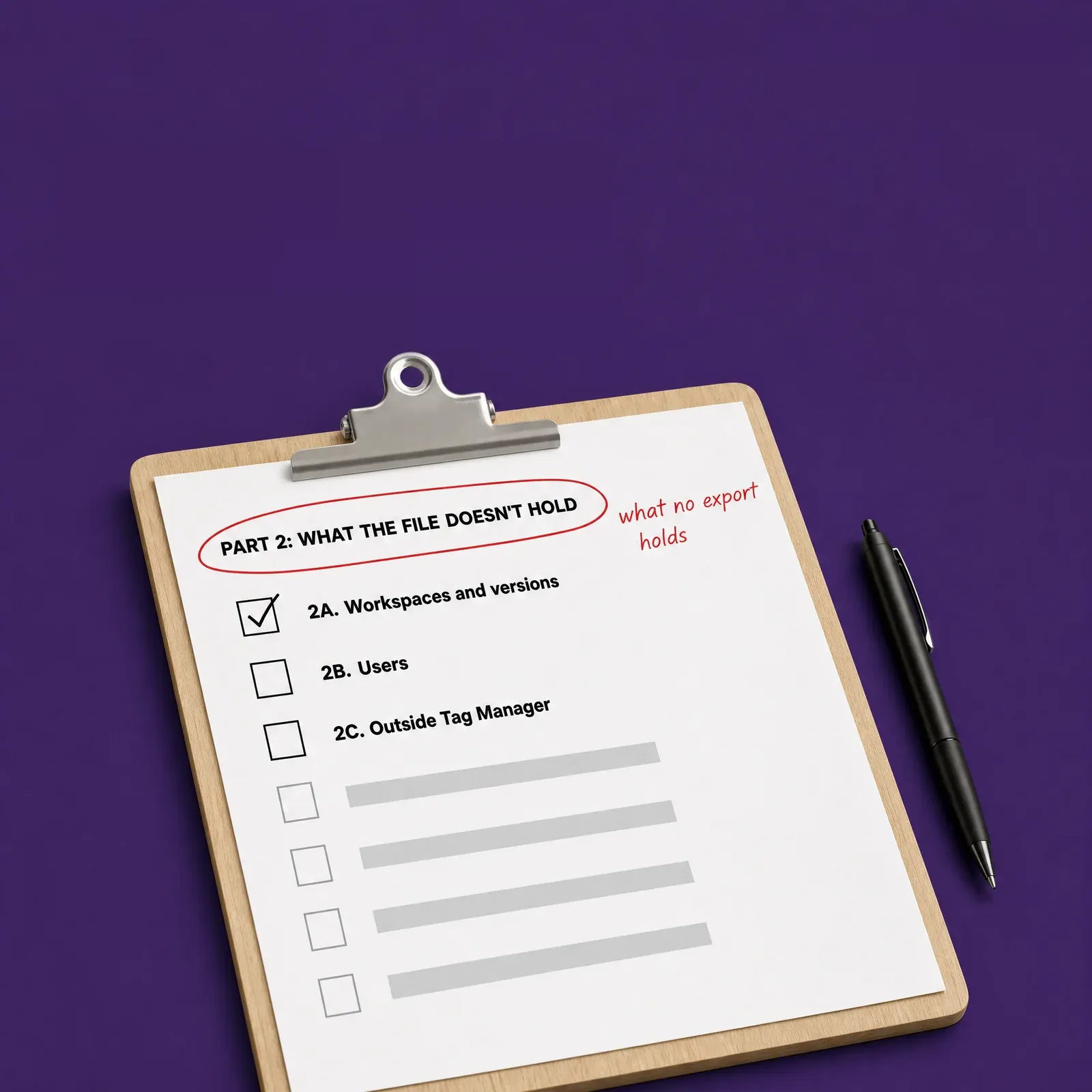
What no export holds.
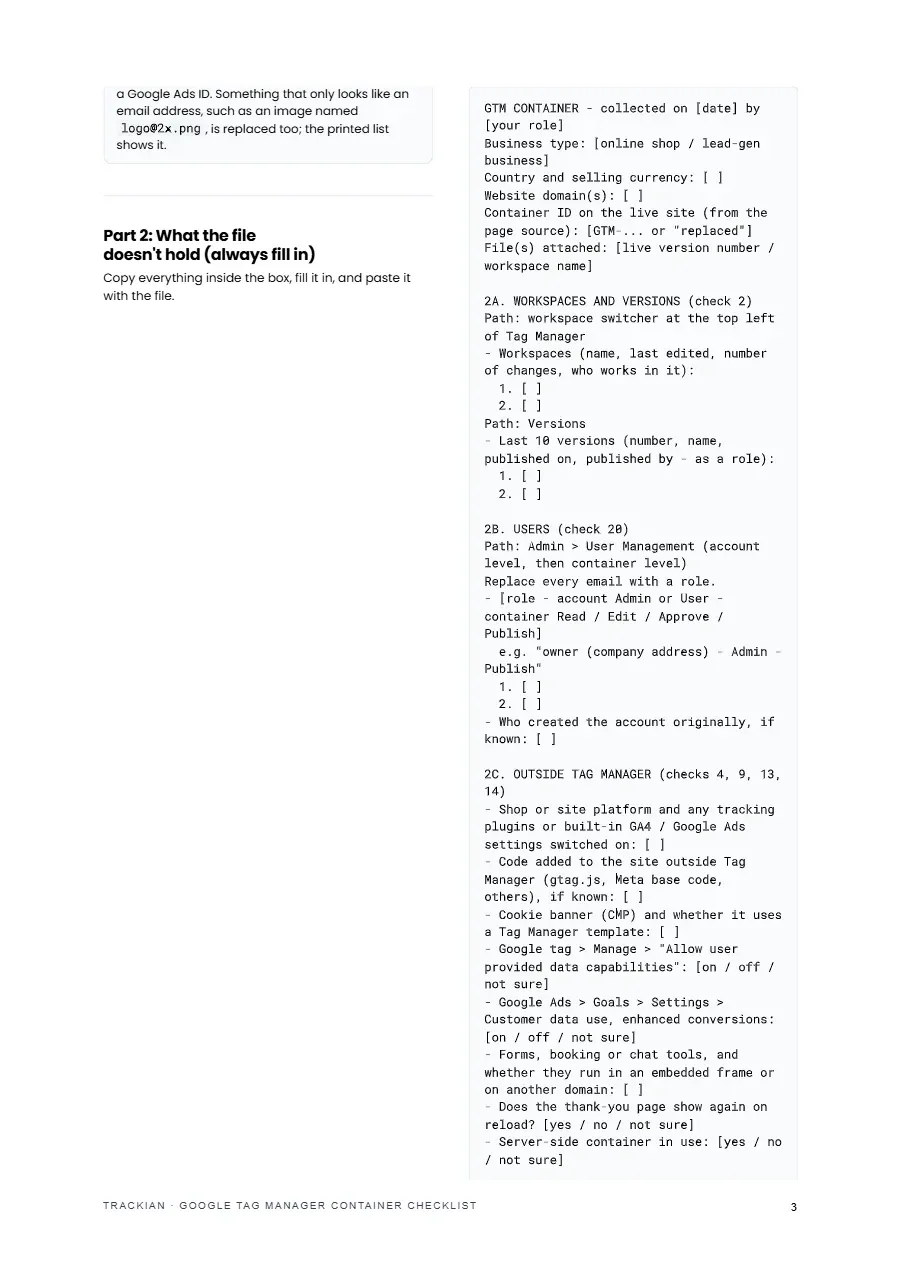
Workspaces and versions, users and their permissions, and what sits outside Tag Manager: plugins, hard-coded code, your cookie banner, the Google tag's own settings and enhanced conversions.
For the audit with Claude or ChatGPT
For the audit with Claude or ChatGPT
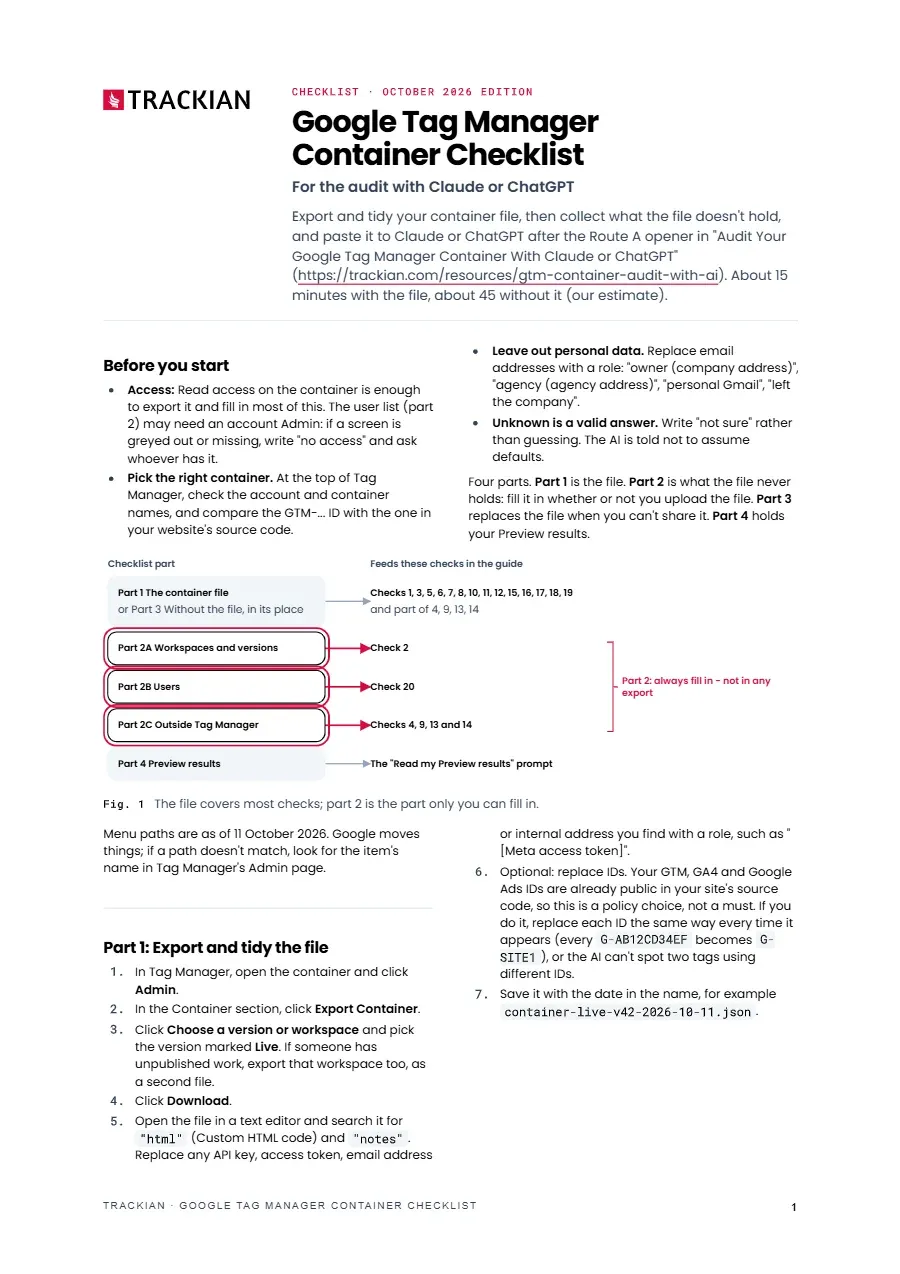
The 20 container checks on one sheet, to tick off as Claude or ChatGPT works through your exported container.
The 20 container checks on one sheet, to tick off as Claude or ChatGPT works through your exported container.
The 20 container checks on one sheet, to tick off as Claude or ChatGPT works through your exported container.
Workspaces and versions, users and their permissions, and what sits outside Tag Manager: plugins, hard-coded code, your cookie banner, the Google tag's own settings and enhanced conversions.
How to export the live version, what to search for in Custom HTML and notes, and a short script for whoever implements it that swaps IDs and email addresses for stable stand-ins.
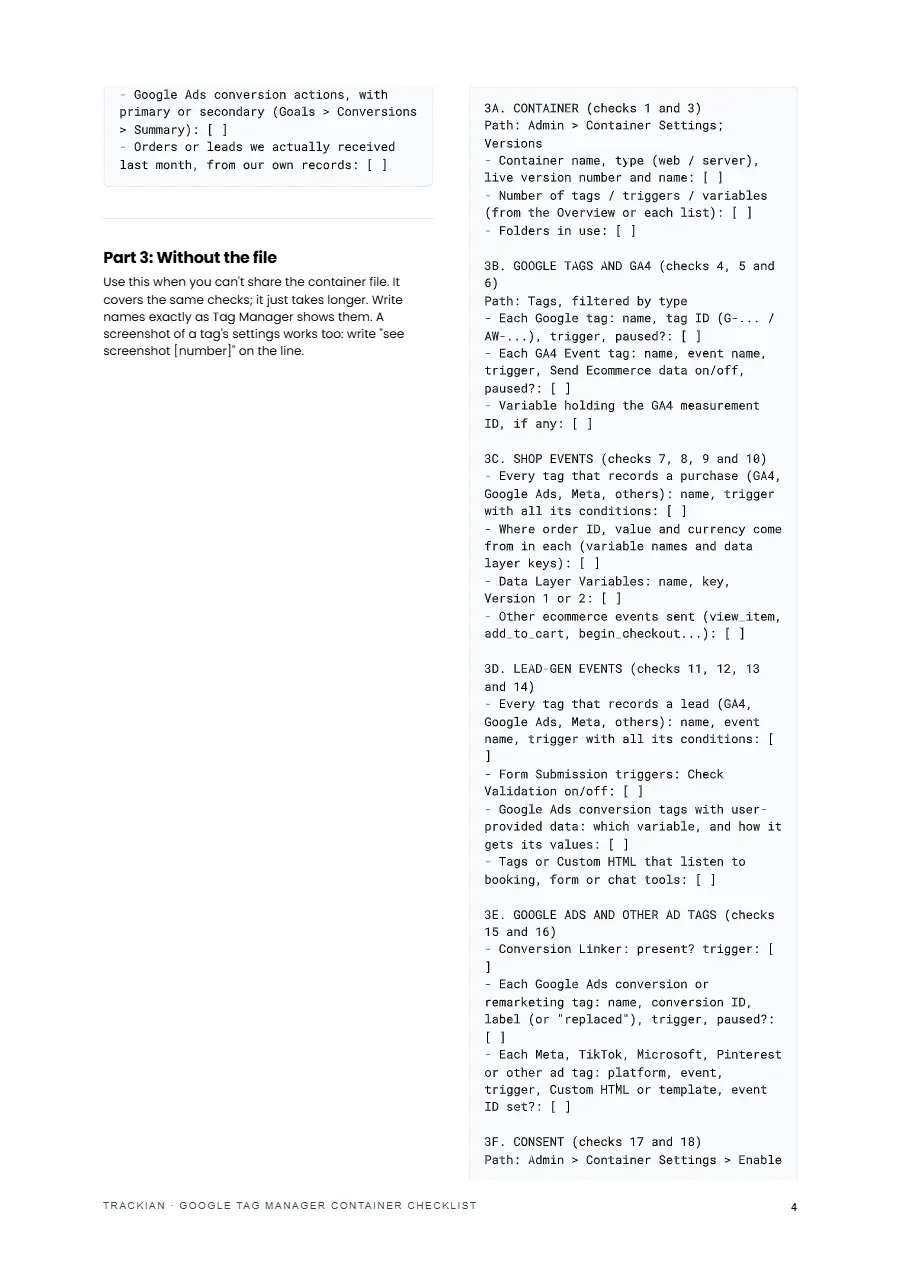
Part 3 collects tags, triggers, variables, consent settings and leftovers line by line, for when your policy, or your agency's, says the file can't be shared.
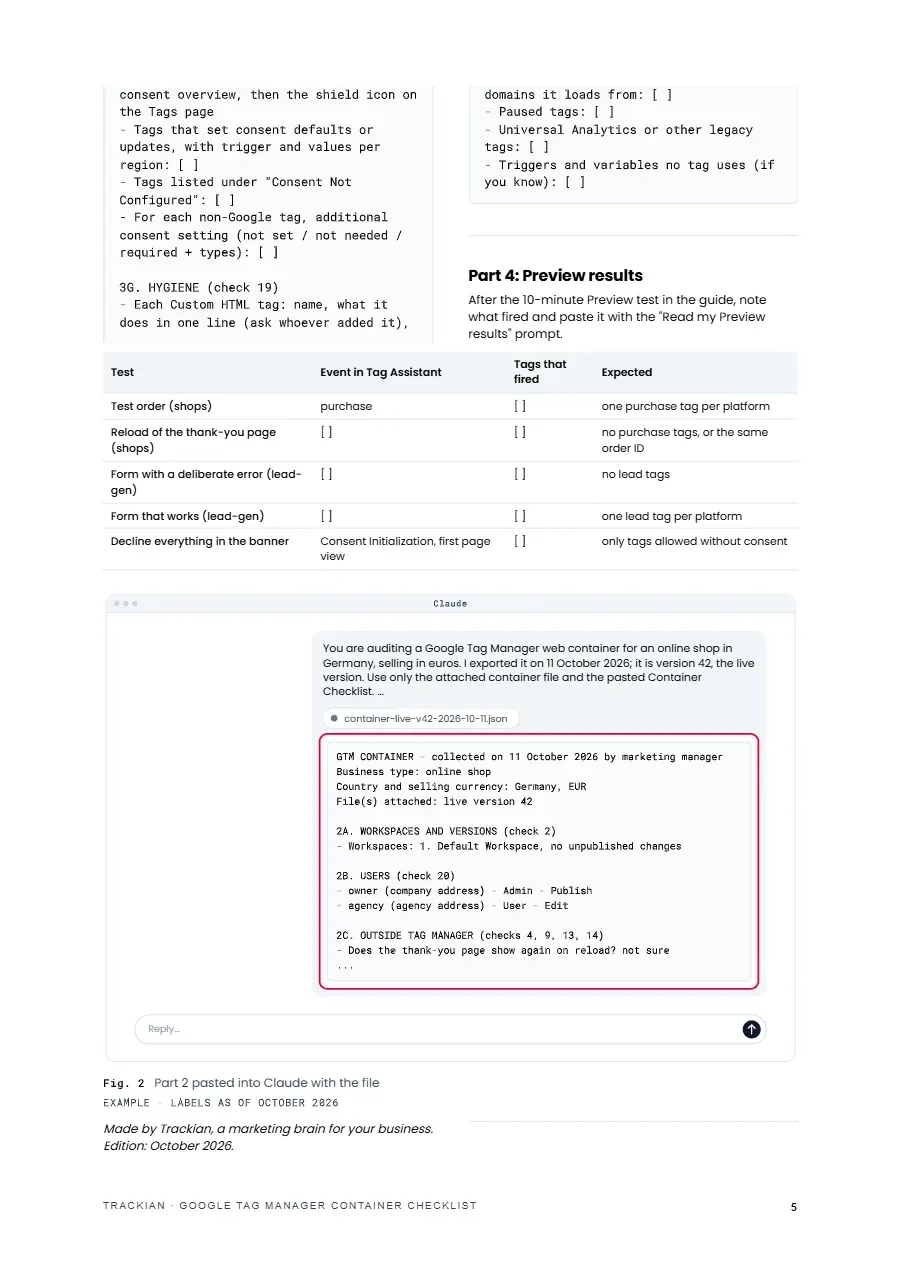
A test order, a thank-you page reload, a failed and a working form, and a declined banner, each with what should have fired.
that reads your filled-in checklist, with or without the container file, runs the container checks and marks each one OK, Fix or Can't tell, changing nothing in Tag Manager.

PDF · About 5 min read
Honest note
The checklist collects your container's facts, and the judging happens in the audit guide. "No access" and "not sure" are valid answers, so some checks may come back as Can't tell. The tidy script leaves conversion labels and other platforms' tag IDs as they are, so replace those by hand if your policy says so. Menu paths are as of 11 October 2026; if Google moves one, look for the item's name in Tag Manager's Admin page. Replace email addresses with roles before you paste anything.
Shortlisted · 2025

Featured in

Trusted by









Free download