
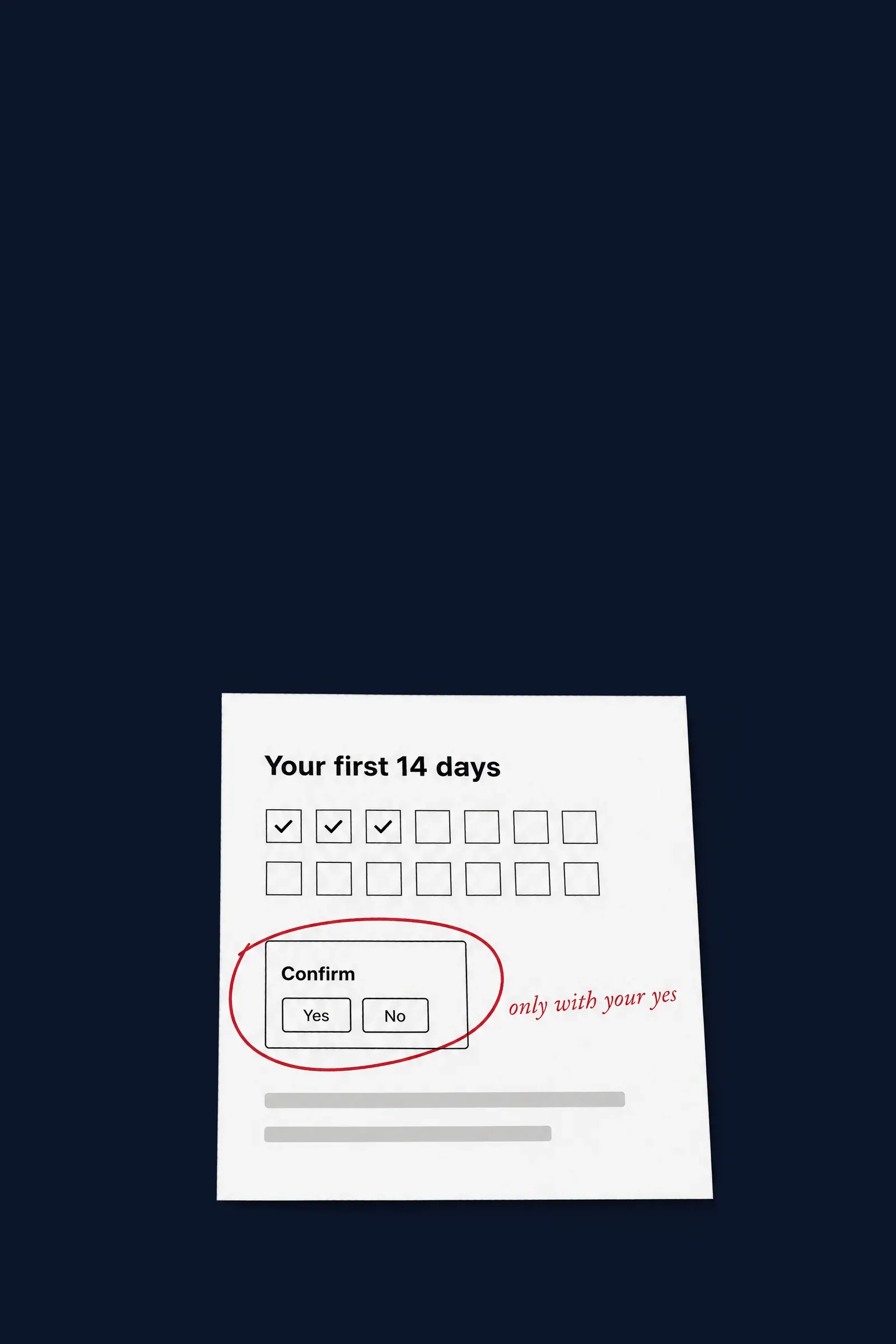
What "about 90 seconds" covers.
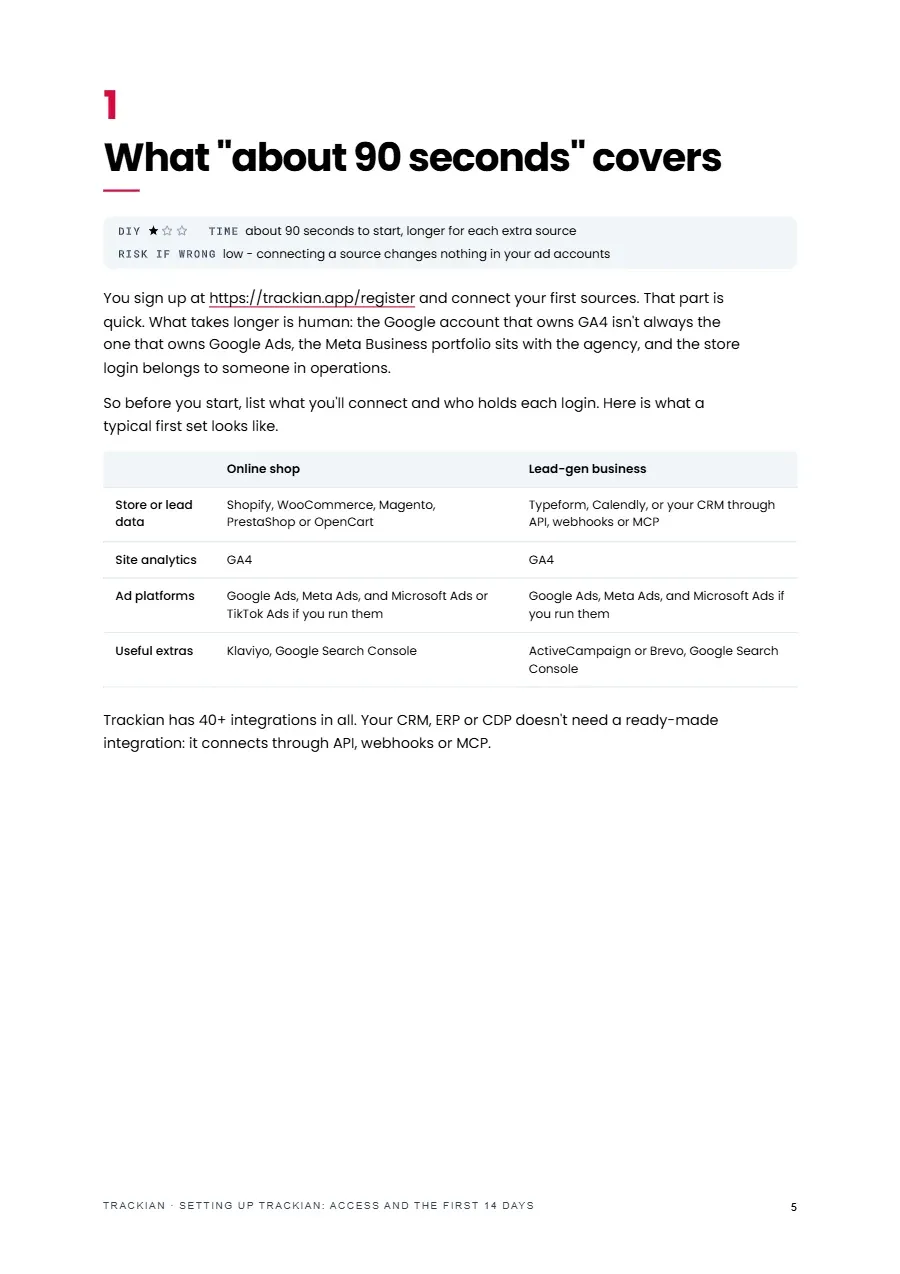
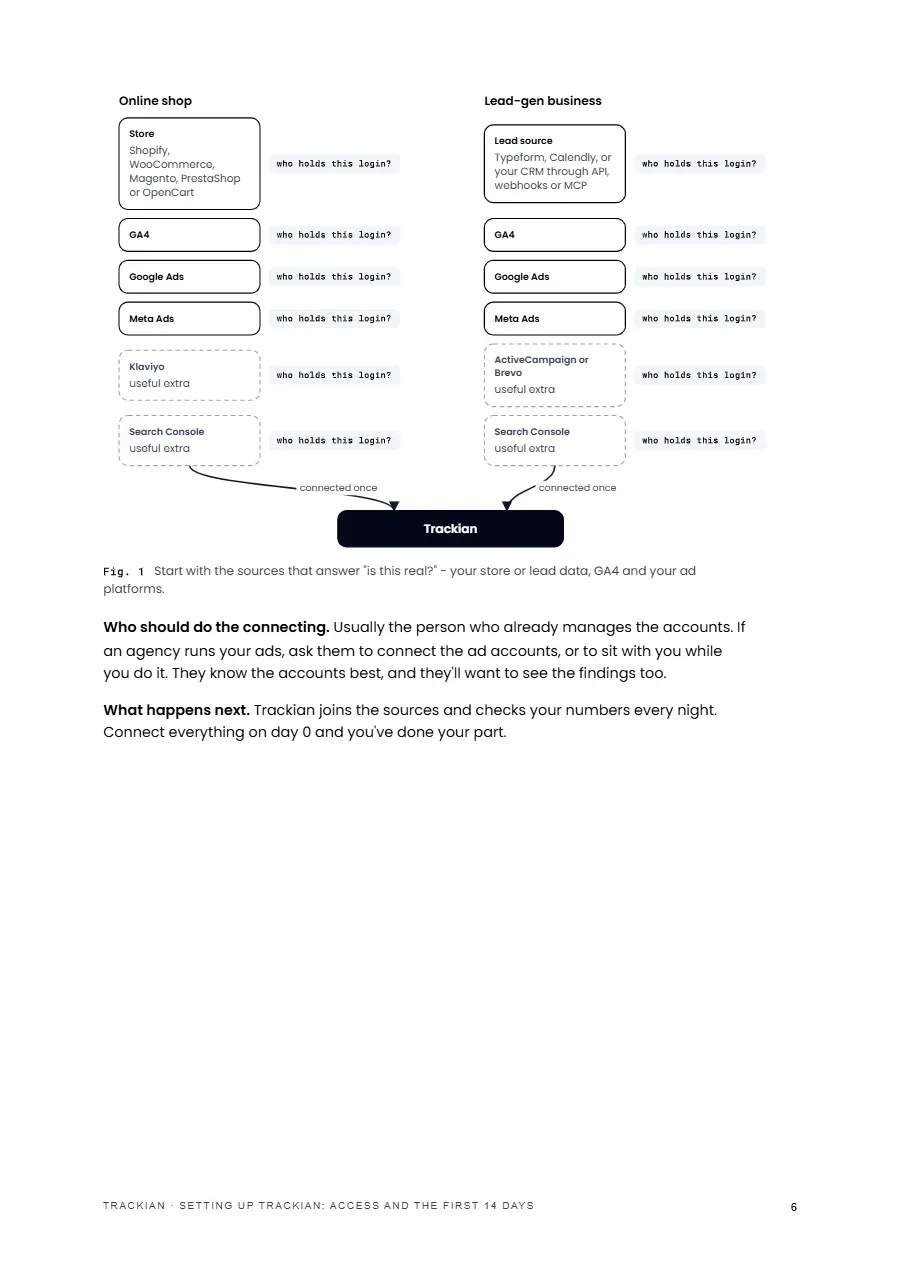
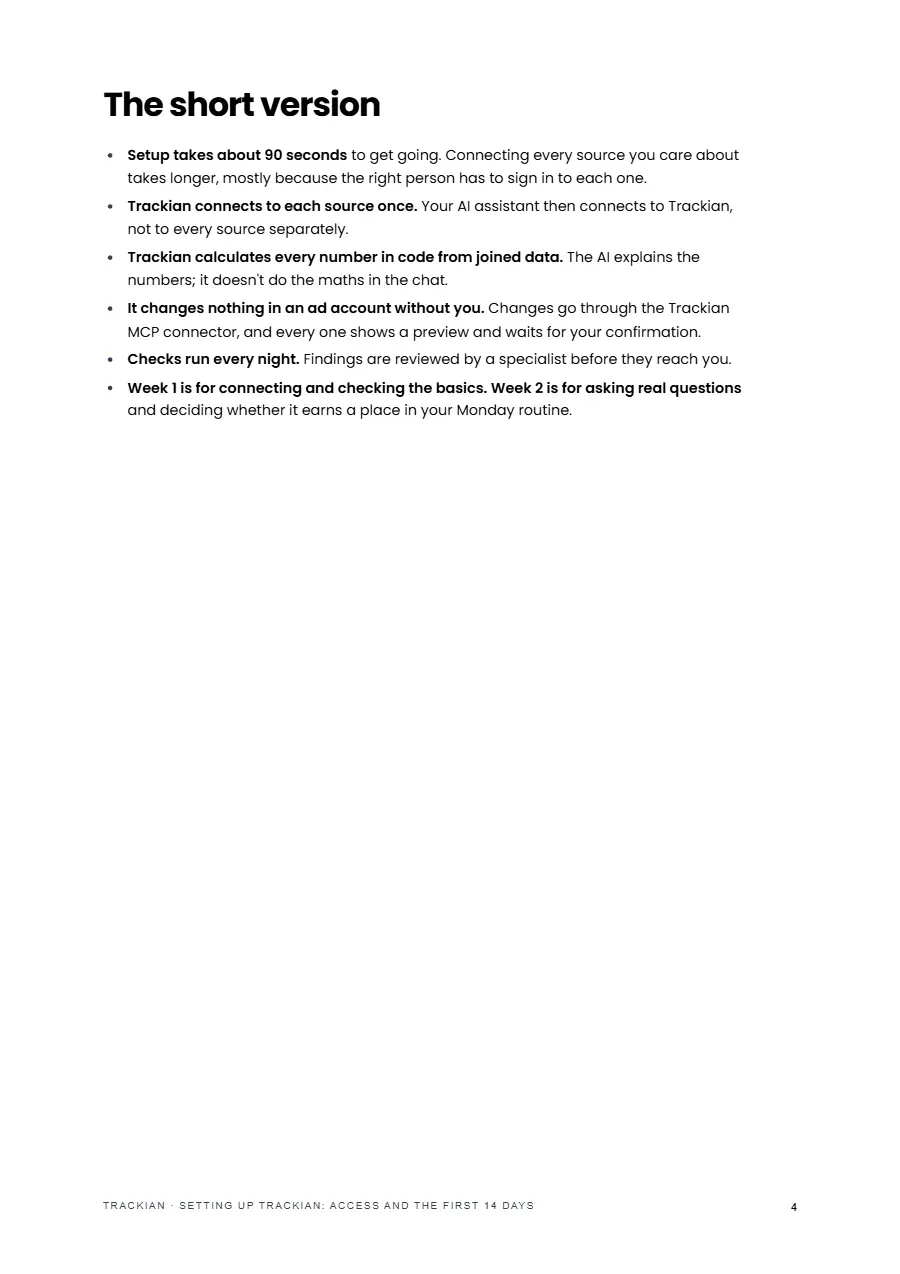
What starting takes and what takes longer, with a first set of sources for a shop and for a lead-gen business, and who should hold each login on day 0.
What you connect, what it can change, and how to use the trial
What you connect, what it can change, and how to use the trial
No Ad Change Without Your Yes Short guide to what you connect when you start Trackian, what it can change (only with your confirmation), and a plan for the 14-day trial.
No Ad Change Without Your Yes Short guide to what you connect when you start Trackian, what it can change (only with your confirmation), and a plan for the 14-day trial.
No Ad Change Without Your Yes Short guide to what you connect when you start Trackian, what it can change (only with your confirmation), and a plan for the 14-day trial.
What starting takes and what takes longer, with a first set of sources for a shop and for a lead-gen business, and who should hold each login on day 0.
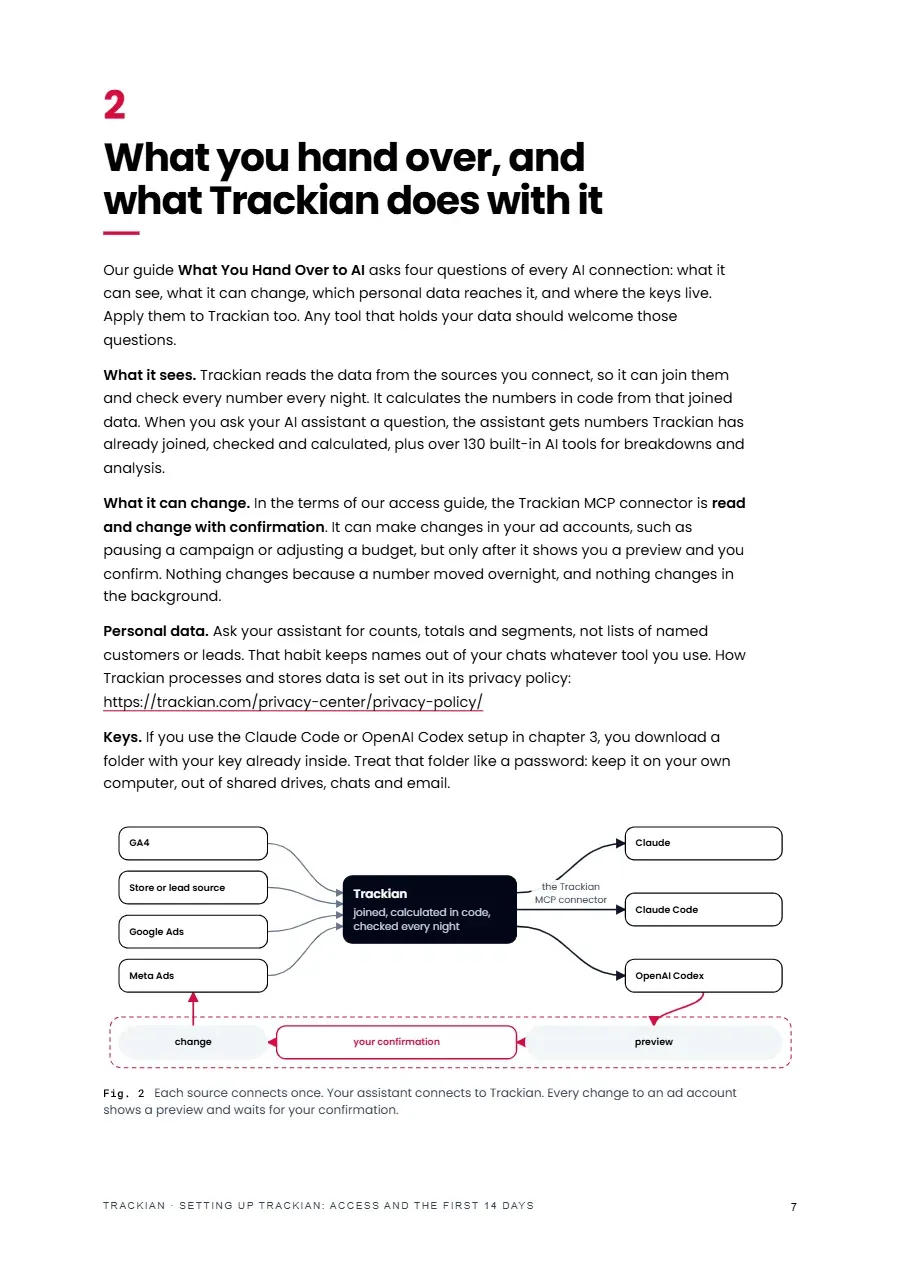
The four questions our access guide asks of every AI connection, applied to Trackian: what it reads, what it can change, which personal data reaches it and where the keys live.
The platforms' own paths for Google, Shopify and Claude's connectors, written down before you need them, plus a row for Trackian in your connection register.
Setup in Claude Code or OpenAI Codex from your Trackian account, or in the Claude apps, with tool permissions set before the first question.
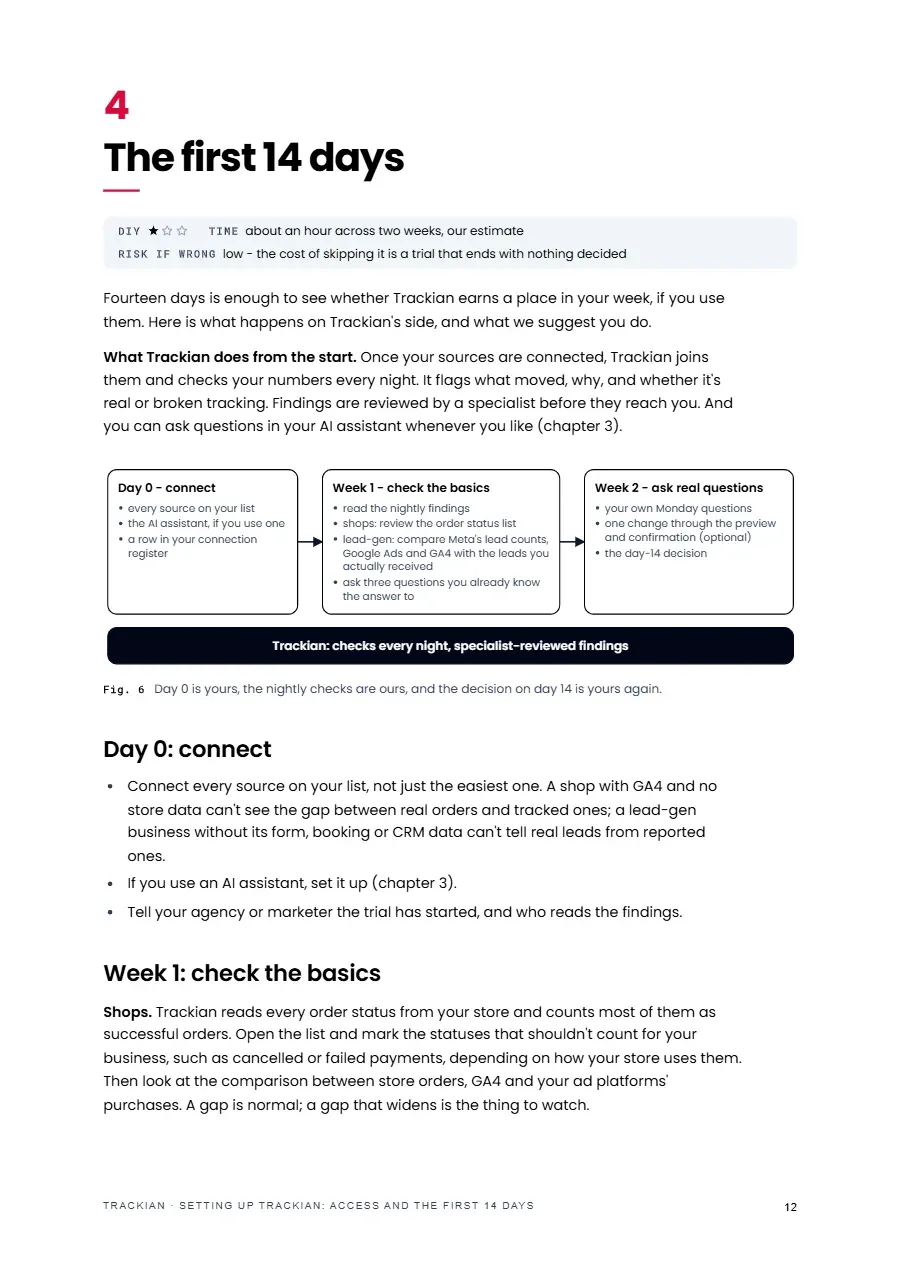
Day 0 to connect, week 1 to check the basics, week 2 to ask real questions, and four questions that tell you on day 14 whether you have what you need to decide.
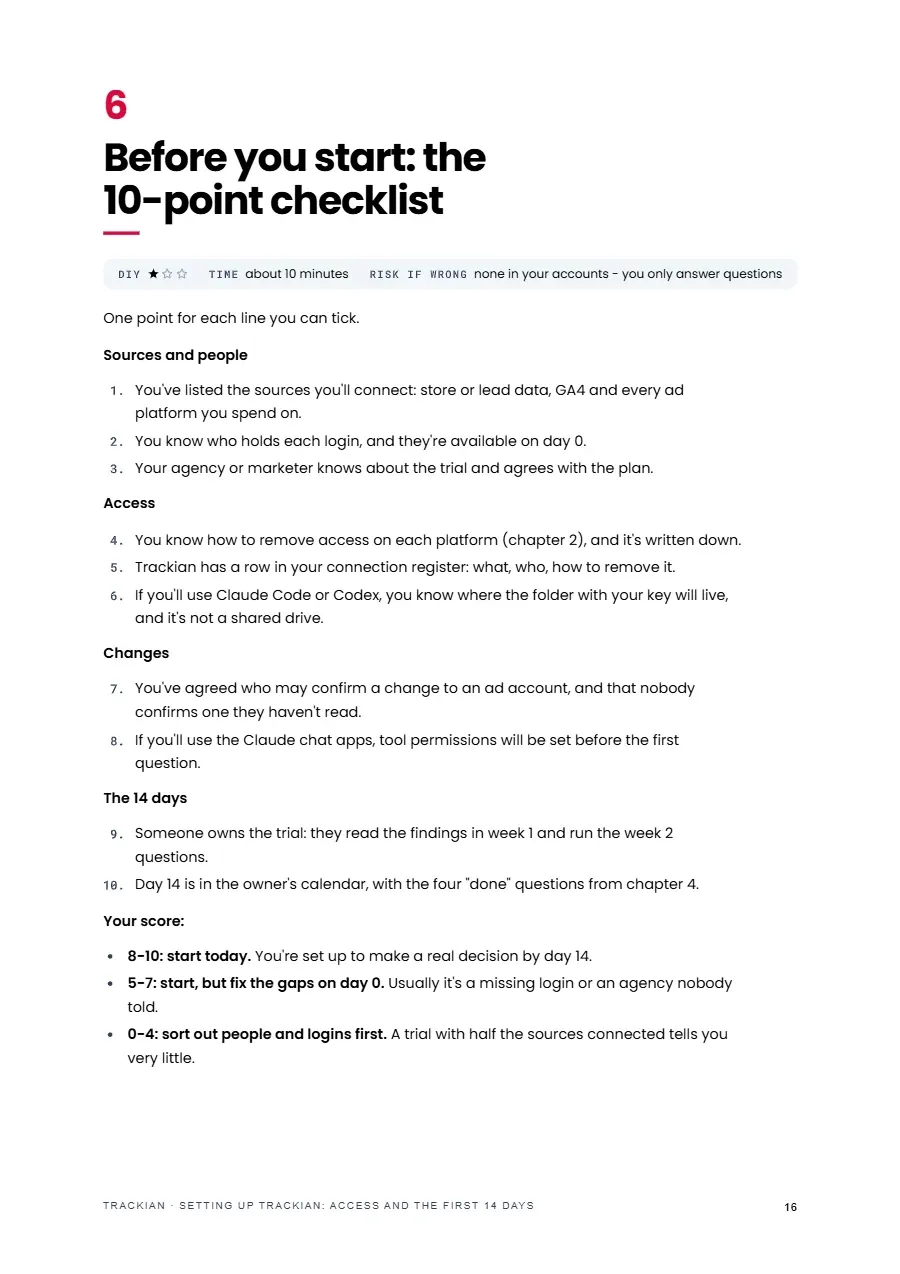
Sources and people, access, changes and the 14 days, scored so you know whether to start today, fix the gaps on day 0 or sort out logins first.
that builds your AI connection register, works out what each connection can really do from its permission and the role behind it, scores each one on 15 checks and lists what to remove, narrow or rotate first - without ever asking for a password or key.

PDF · About 15 min read
Honest note
Trackian changes nothing in an ad account without a preview and your confirmation, and nothing changes overnight or in the background. It can't reverse a change it made for you, so each one waits for your yes; if you need to reverse one, use the platform's own change history, and where a platform has none, note the old setting before you confirm. Trackian doesn't track phone calls or audit your ad pixels, and its checks run every night, not continuously. It calculates the numbers in code from joined data; the AI only explains them. Removal paths are as of October 2026.
Shortlisted · 2025

Featured in

Trusted by









Free download