
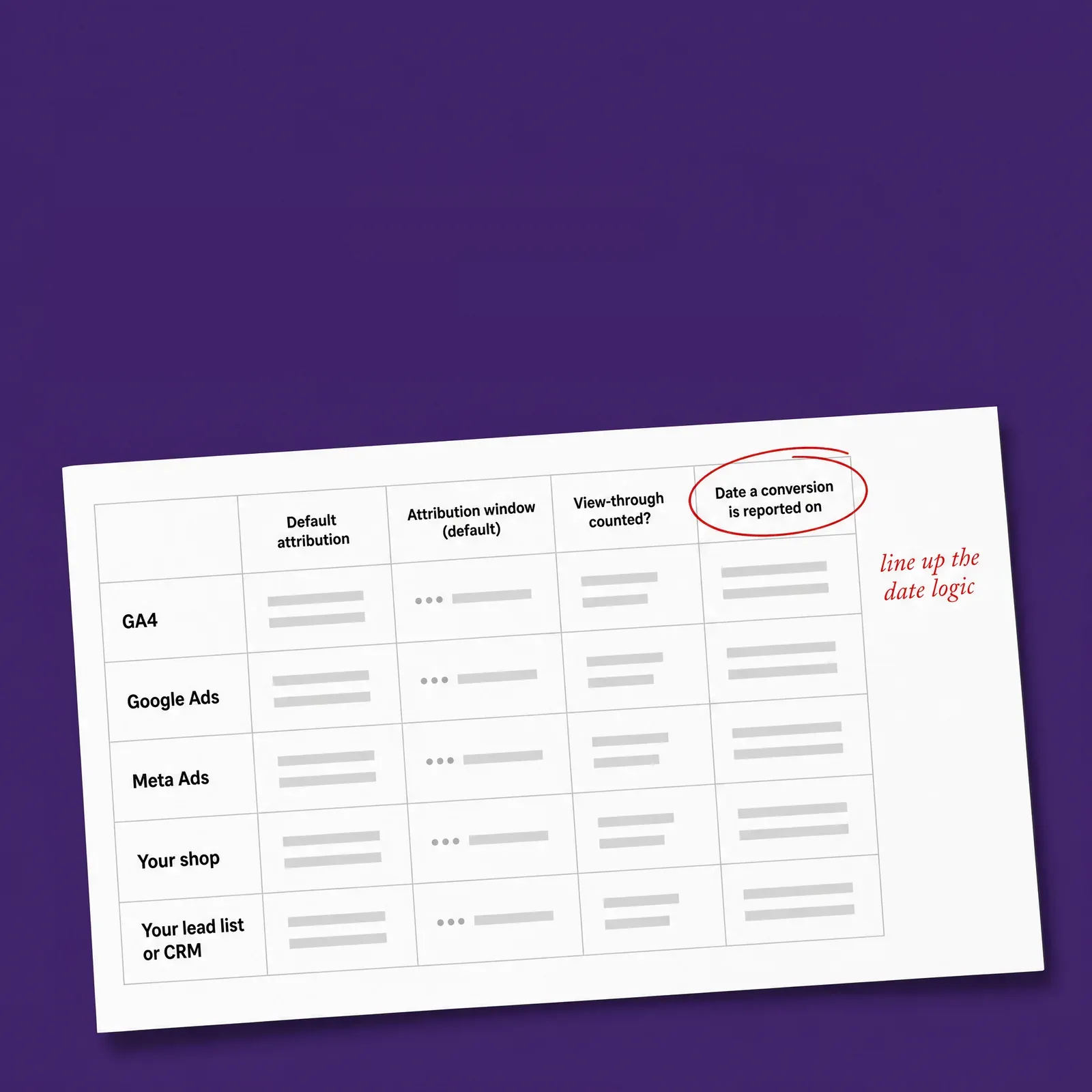
Five sources, side by side.
GA4, Google Ads, Meta Ads, your shop and your lead list or CRM in one table, so you can see how each one counts a conversion before you compare them.


 Meta Ads, Google Ads, GA4Meta Ads, Google Ads, GA4Meta Ads, Google Ads, GA4
The cheat sheet
The cheat sheet
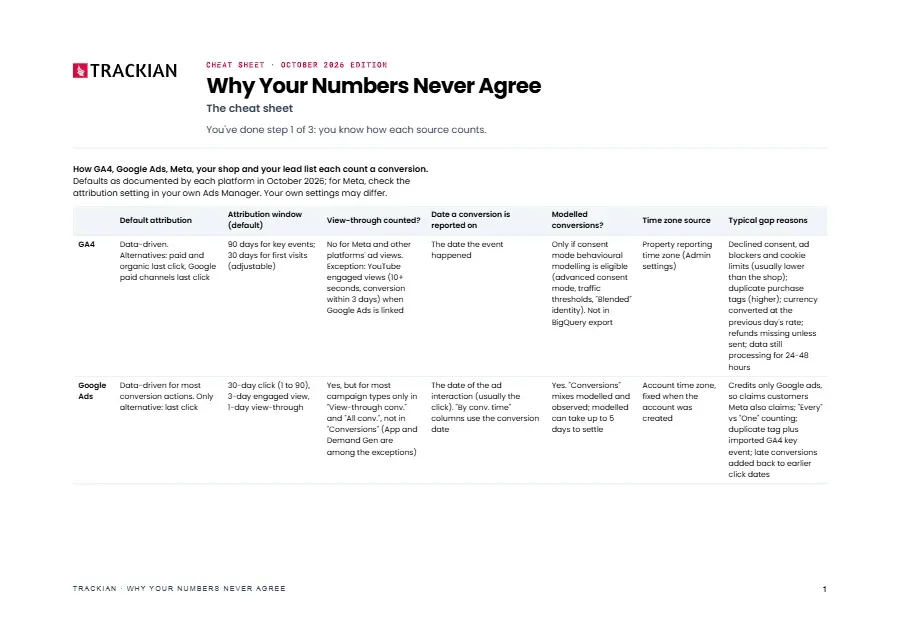
One-page cheat sheet: how GA4, Google Ads, Meta, your shop and your lead list each count a conversion, side by side.
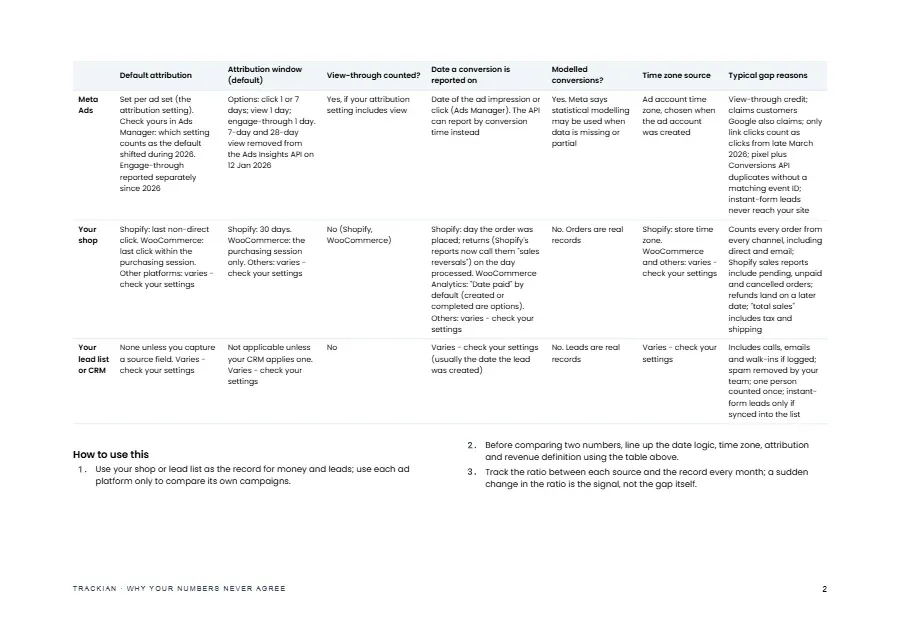
One-page cheat sheet: how GA4, Google Ads, Meta, your shop and your lead list each count a conversion, side by side.
One-page cheat sheet: how GA4, Google Ads, Meta, your shop and your lead list each count a conversion, side by side.
GA4, Google Ads, Meta Ads, your shop and your lead list or CRM in one table, so you can see how each one counts a conversion before you compare them.
For each source: default attribution and window, whether views count, which date a conversion is reported on, modelled conversions, the time zone and the typical reasons for a gap.
Use your shop or lead list as the record for money and leads, line up dates, time zone, attribution and revenue definition, then track the ratio each month.
that walks the ten reasons for two numbers that disagree and says how much of the gap each one explains in your own numbers.

PDF · 1 page
Honest note
The cheat sheet shows each platform's defaults as documented in October 2026, and your own settings may differ. Meta's attribution is set per ad set, so check yours in Ads Manager. Shop platforms other than Shopify and WooCommerce, and CRMs, read "varies - check your settings". A gap the table can't explain may be broken tracking, and that's a job for whoever implements your tracking.
Shortlisted · 2025

Featured in

Trusted by









Free download