

Ask Your AI Assistant About Your Marketing.
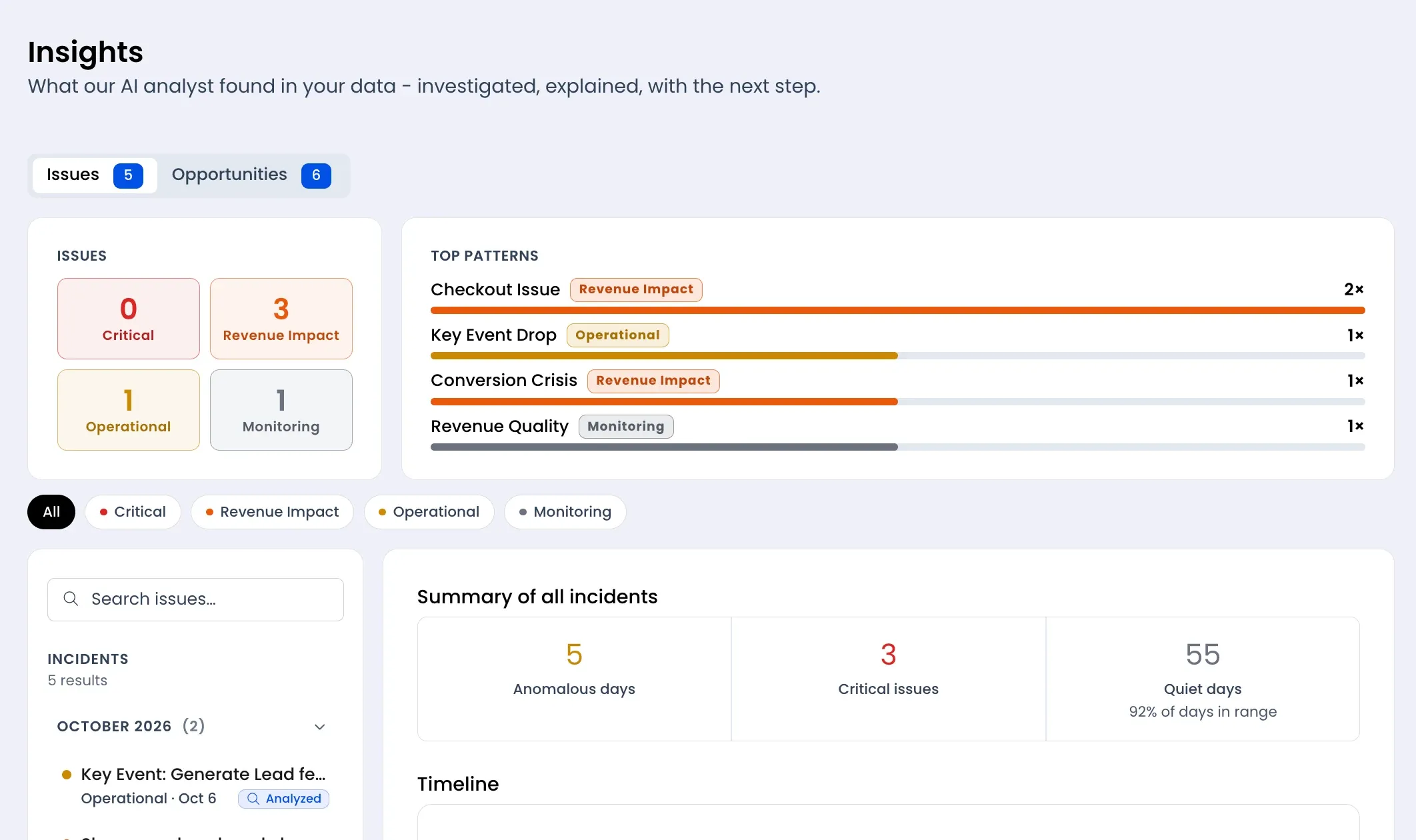
Trackian runs an MCP server built on the open standard behind Claude and ChatGPT's tool connections, so your AI assistant can read your real data and, where you allow it, act on it.
Built to Be Safe by Default.
Every write goes through the same checks as the app itself.
Preview, Then Confirm
Any change to your ads or settings shows you exactly what will happen first. Nothing changes until you confirm it.
Your Data Only
Every answer is scoped to your own connected accounts. There is no cross-account access.
Plain Business Language
Responses use the same names and numbers you see in Trackian, not internal codes or database fields.
Works With Claude and ChatGPT
Connect through Claude Code, Claude Desktop, or ChatGPT's own tool connections, using the same MCP server either way.
One Assistant, Every Number.
Trackian's MCP server exposes real tool categories to any MCP-compatible assistant, grounded in your own connected accounts.
From Setup To First Answer.
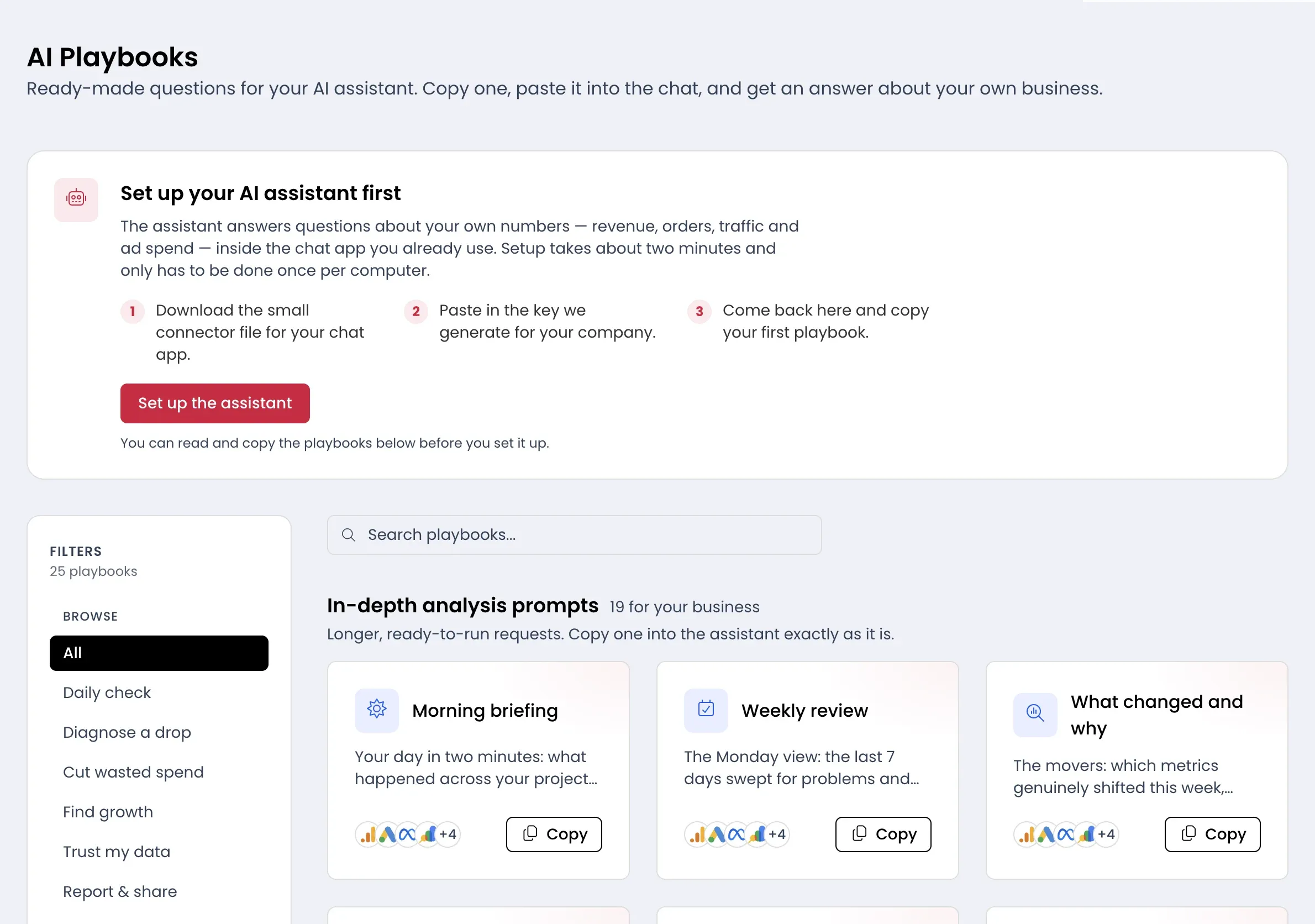
Getting Trackian into your AI assistant takes minutes, not a dev project.
Connect Your Accounts
Link GA4, your ad platforms, and your store the same way you would in the app, about 90 seconds per platform.
Get Your MCP Key
Generate a token from your Trackian settings and add it to Claude, ChatGPT, or any MCP-compatible client.
Ask a Real Question
Try Which campaigns moved this week, or Give me today's brief, and get an answer pulled straight from your own data.
MCP & API FAQ
MCP access ships on every agency plan and from the Pulse plan up for brands; full API access starts at Elite or Horizon. This pairs well with Data Anomalies Detection, and if you live in the numbers day to day, see the Marketing Data Analysts page. See the Marketing Daily Brief for what lands in your dashboard each morning. More questions? Check our full FAQ or get in touch.
Bring Your Data Into the Conversation.
Connect your accounts and add Trackian to your AI assistant today.